
Practice and proficiency
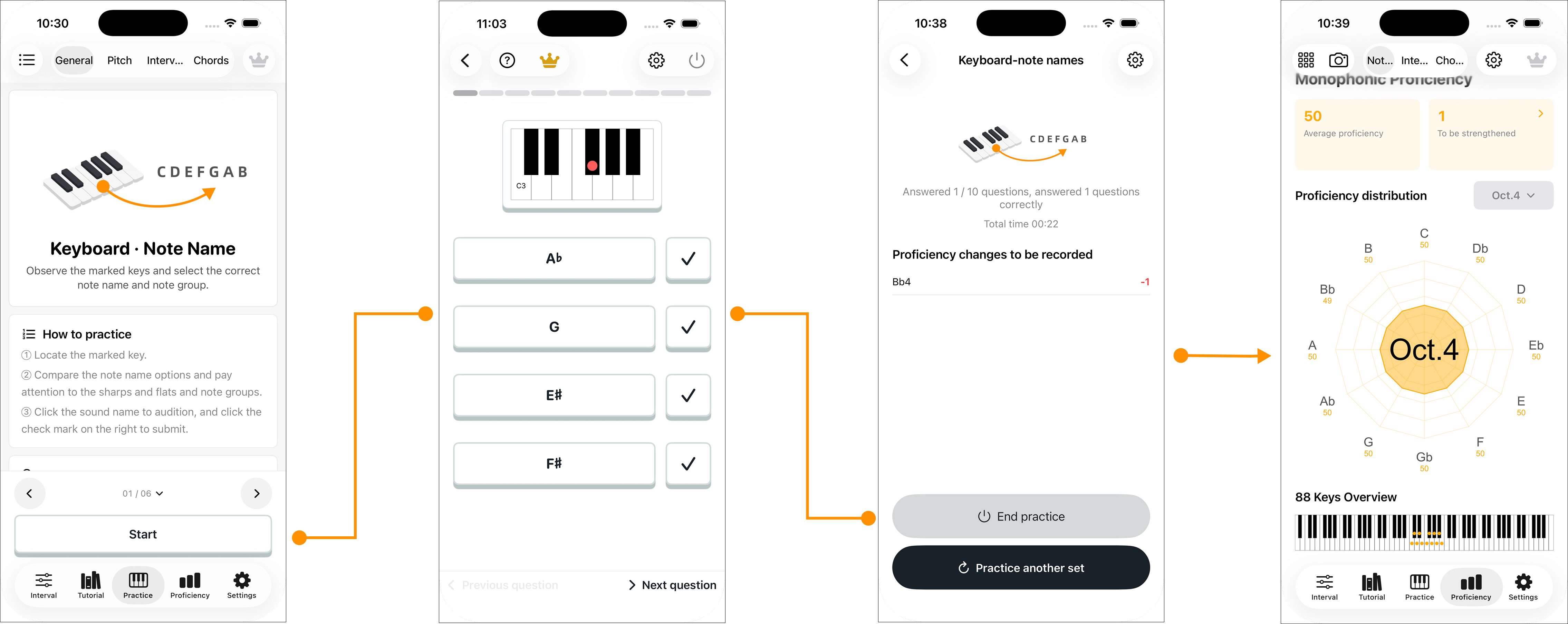
Genchord Practice connects short exercises to three kinds of proficiency data: individual notes, intervals and chords. Use the scores to see what you recognize quickly and where you need more work.
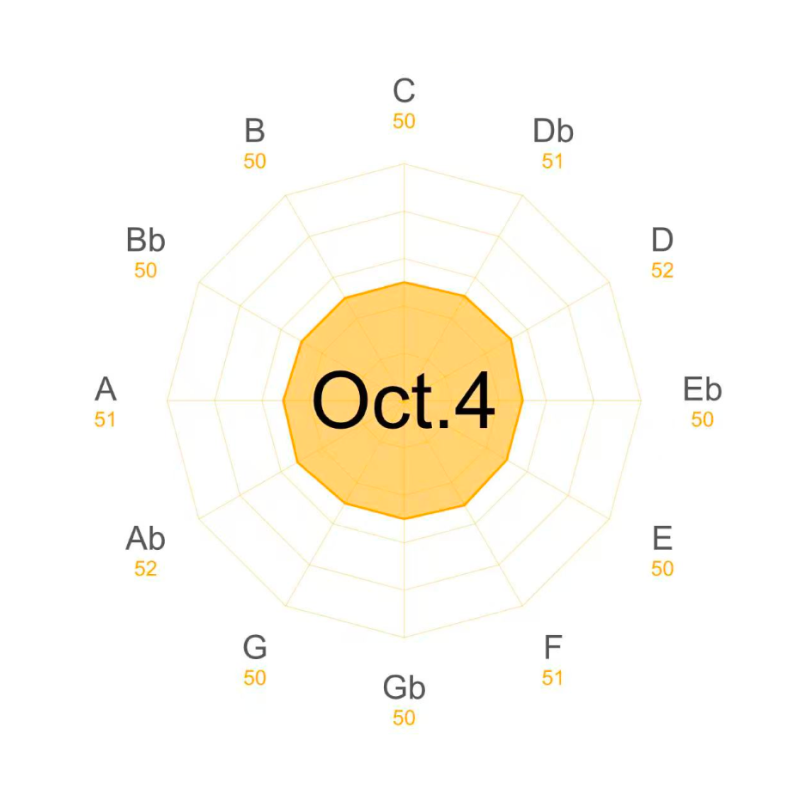
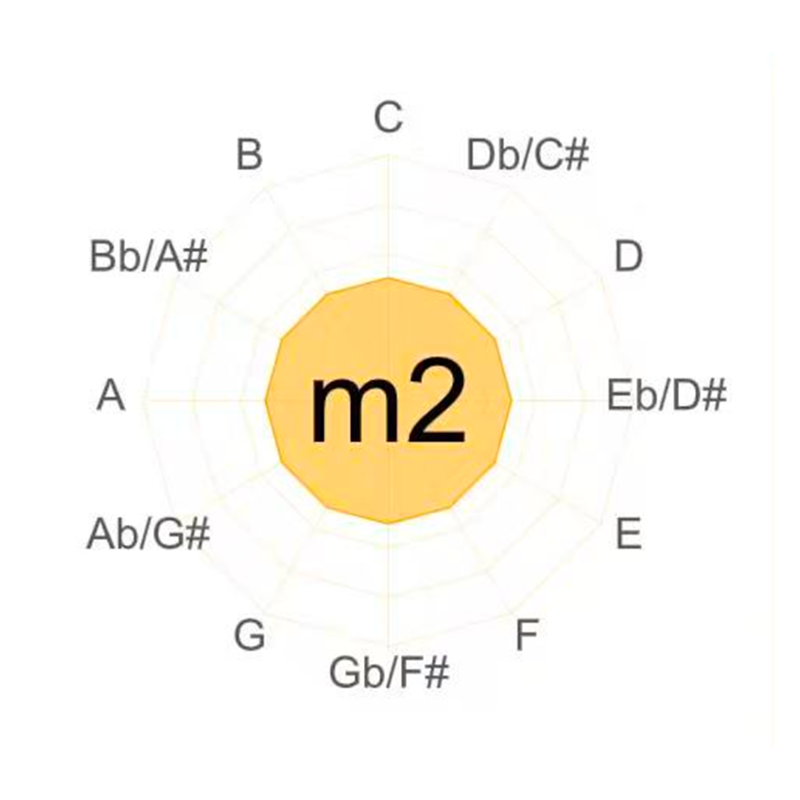
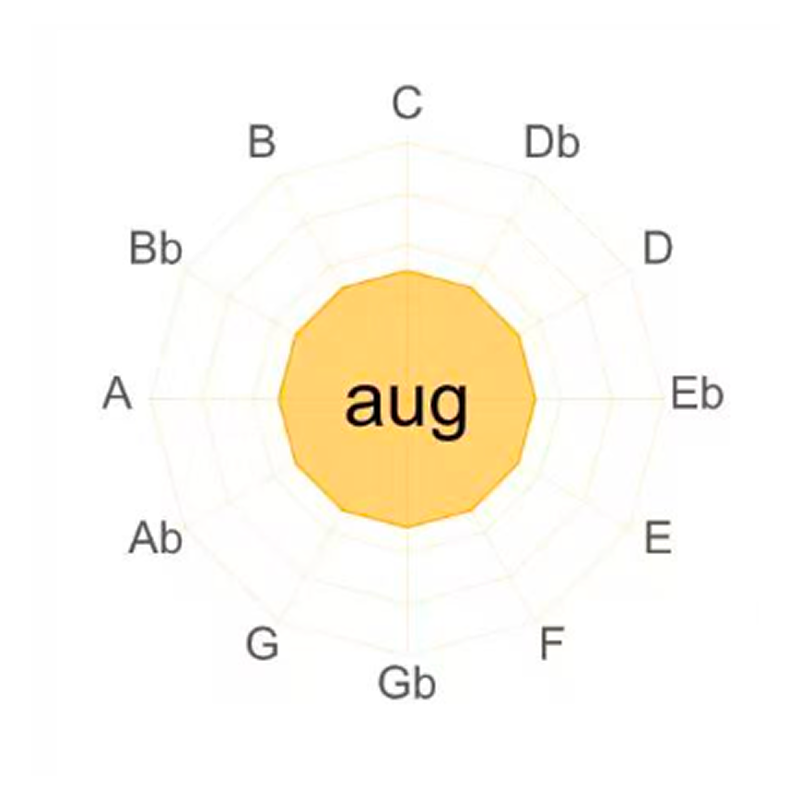
Note proficiency tracks the twelve pitch classes across the keyboard. Interval proficiency tracks twelve interval distances from each of twelve starting notes: 144 combinations. Chord proficiency focuses on recognizing chord shapes, sounds and interval relationships.
Exercises update the data
Complete a round of questions and the results feed into the relevant proficiency scores. A practice session gives you both immediate feedback and a record of progress.
Choose your question range
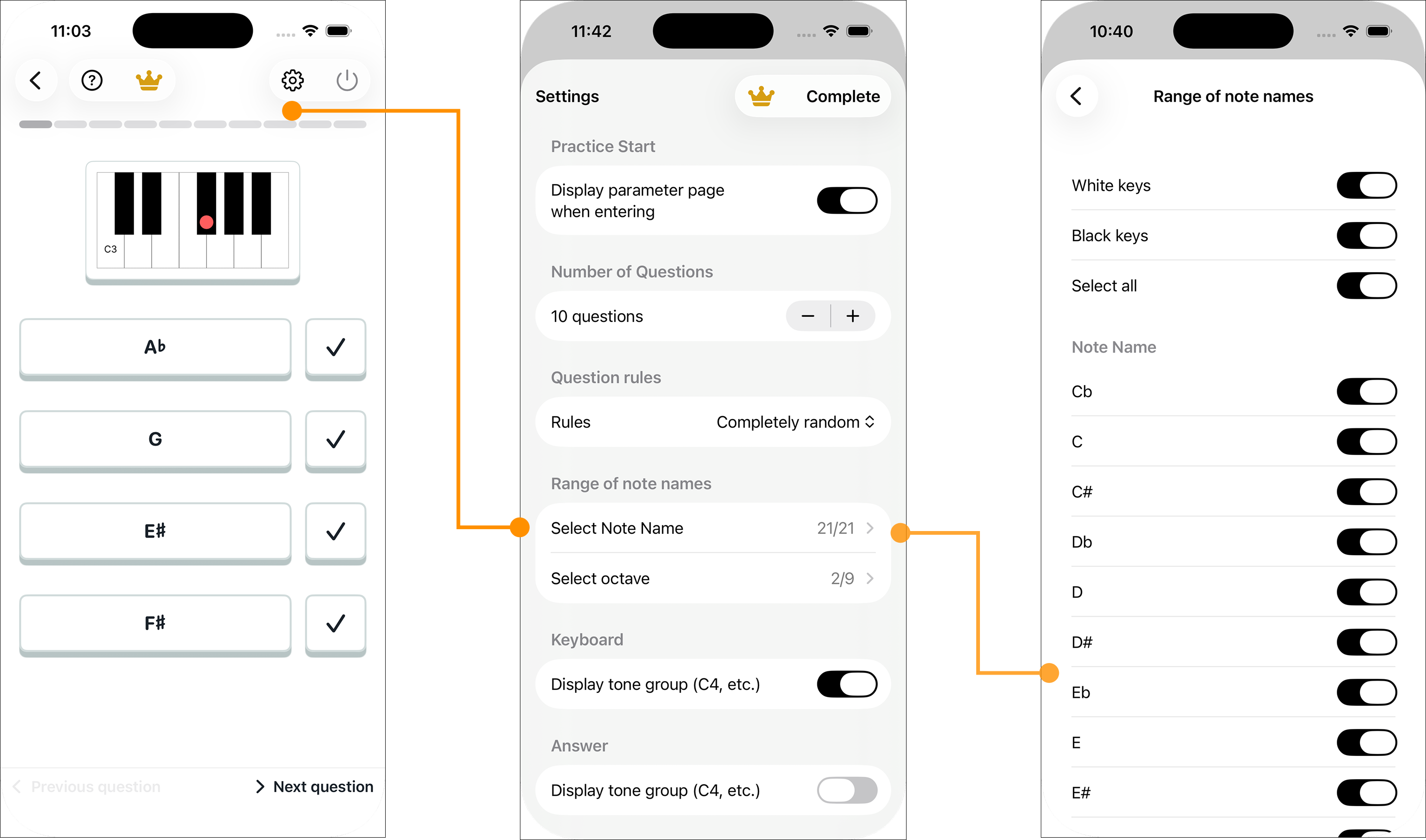
Set the number of questions and select which notes or intervals can appear. A small range is useful when learning a new relationship; a wider range tests recall.
Random or proficiency-based
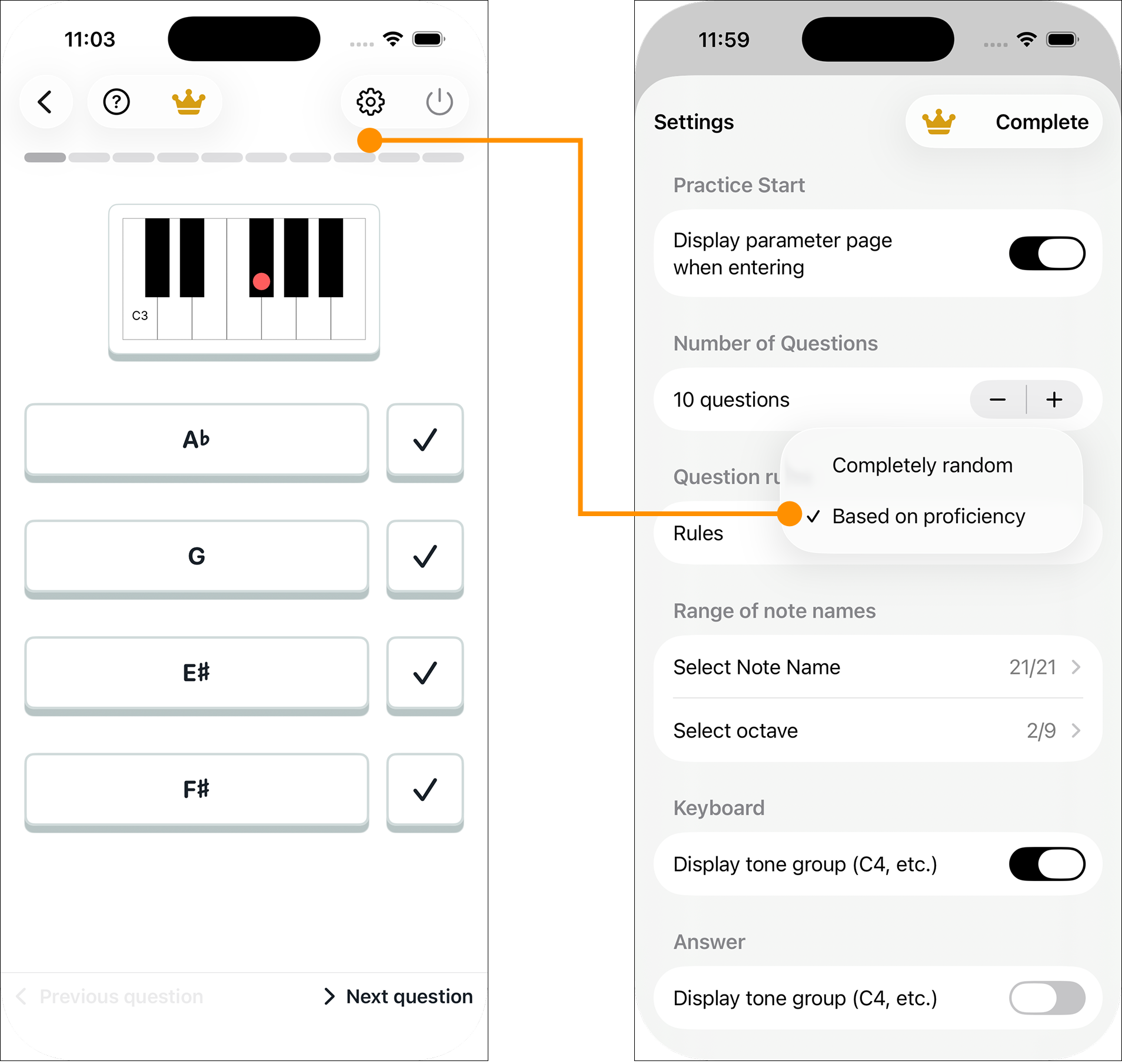
Random selection samples evenly from your chosen range. Proficiency-based selection asks more questions about weaker notes or intervals, then uses your answers to update those scores.
Find your exercise
Choose a question type that matches the skill you want to build: reading the keyboard, naming intervals, listening to pitches or recognizing chords. Adjust its parameters before you start.
