
VISUAL MUSIC THEORY
chords,made visible.
Genchord turns chords and progressions into clear visual patterns. See the notes on the keyboard, hear how the harmony moves, and play with understanding.
Piano chords and progressions, explained visually
Genchord maps the notes of each chord on a piano keyboard and shows how chords connect in a progression. Listen to the harmony, compare the patterns, and bring what you learn into your playing.
See how harmony works. Then make it yours.
Explore piano chords, shape the way you play them, and hear how they fit together. Genchord puts the patterns of music theory right under your fingers.
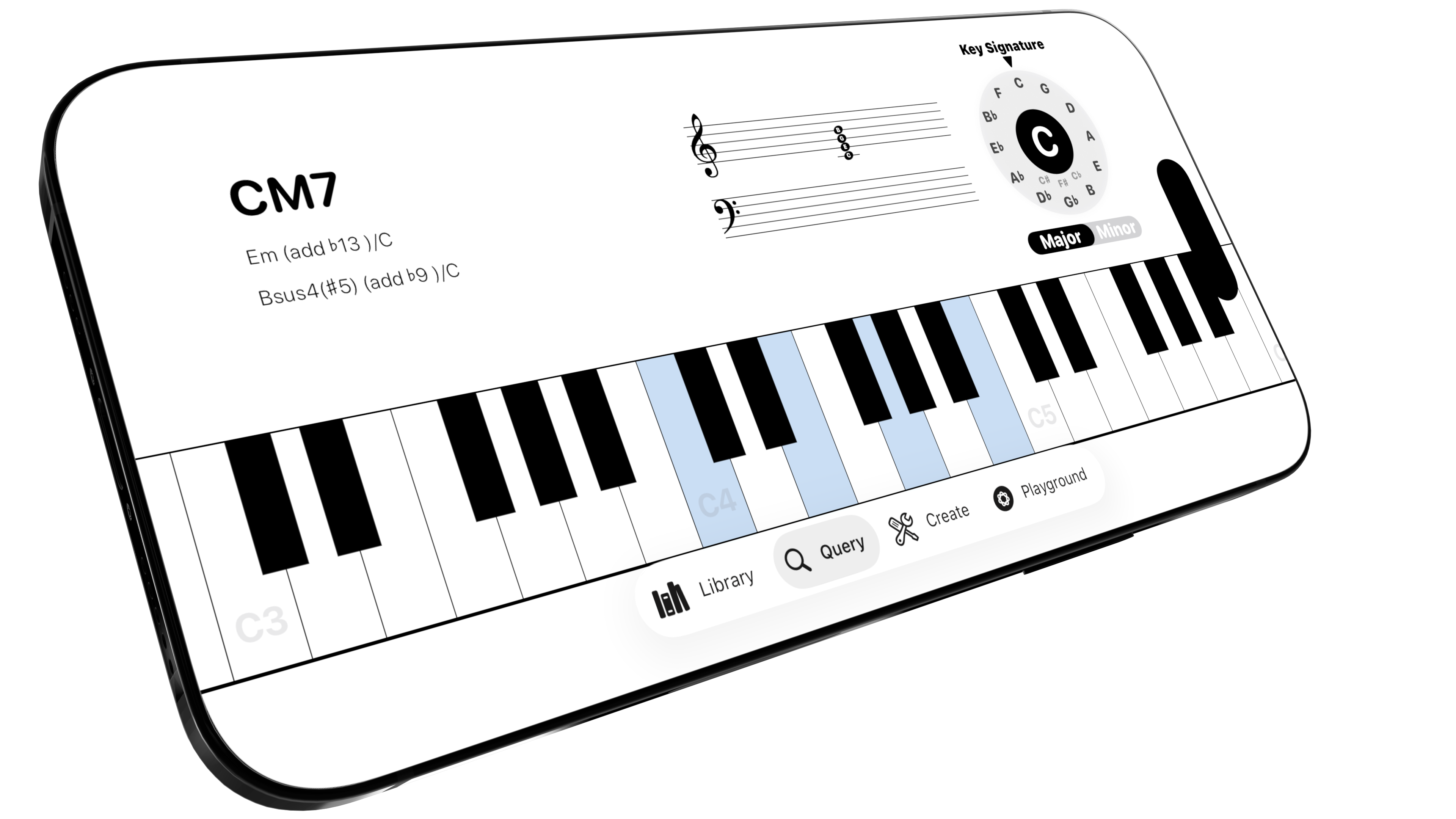
PIANO CHORD FINDER
Know the notes. Find the chord.
Pick the notes on the piano keyboard and Genchord shows the chord they form. Turn a sound under your fingers into a name you can recognize and use.
Start with the keysTap the notes you are playing and see the chord name appear.
Compare possible namesSee other ways to name the same collection of notes.
Read the musical contextView the notes on the staff and explore how the key affects their spelling.
See guitar chords across the fretboard.
Explore guitar chord shapes, understand the chords in a key, and build progressions in Genchord. See the notes behind each shape as you play.
Train your ear. See your progress.
Explore intervals, practice note and chord recognition, and see which relationships need more work. Genchord Practice connects focused exercises to a clear picture of your progress.