
Twelve notes in an octave
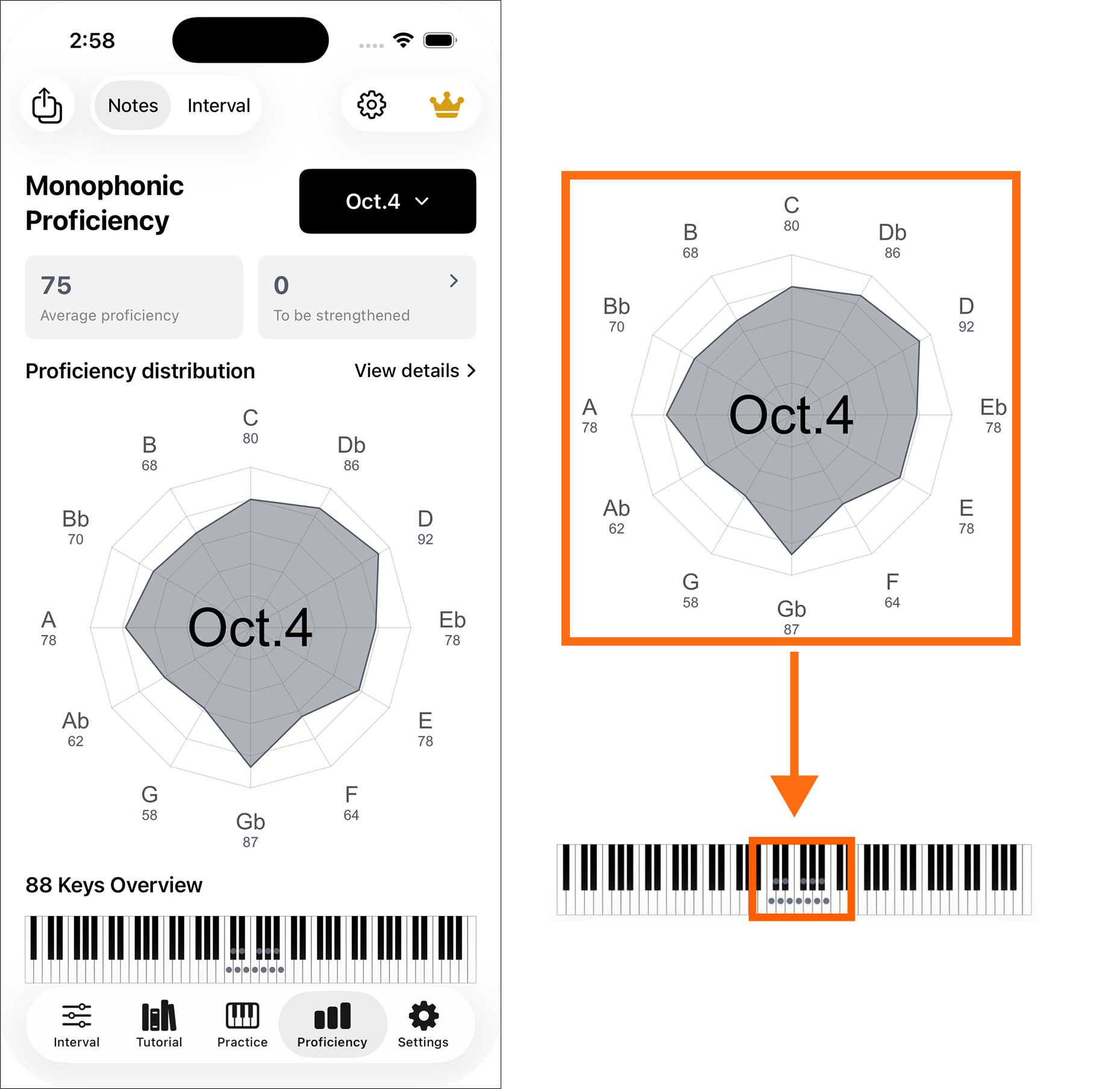
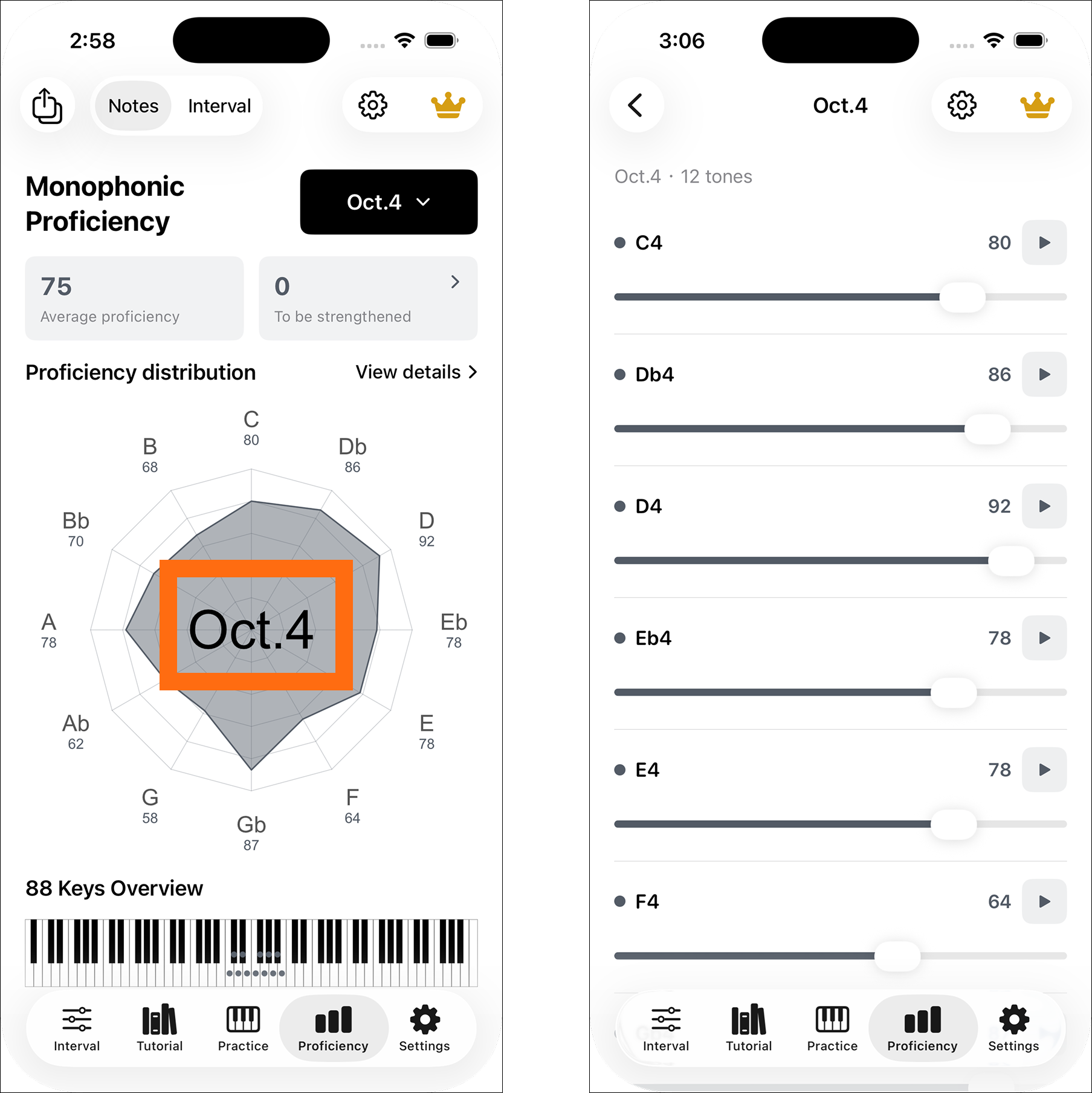
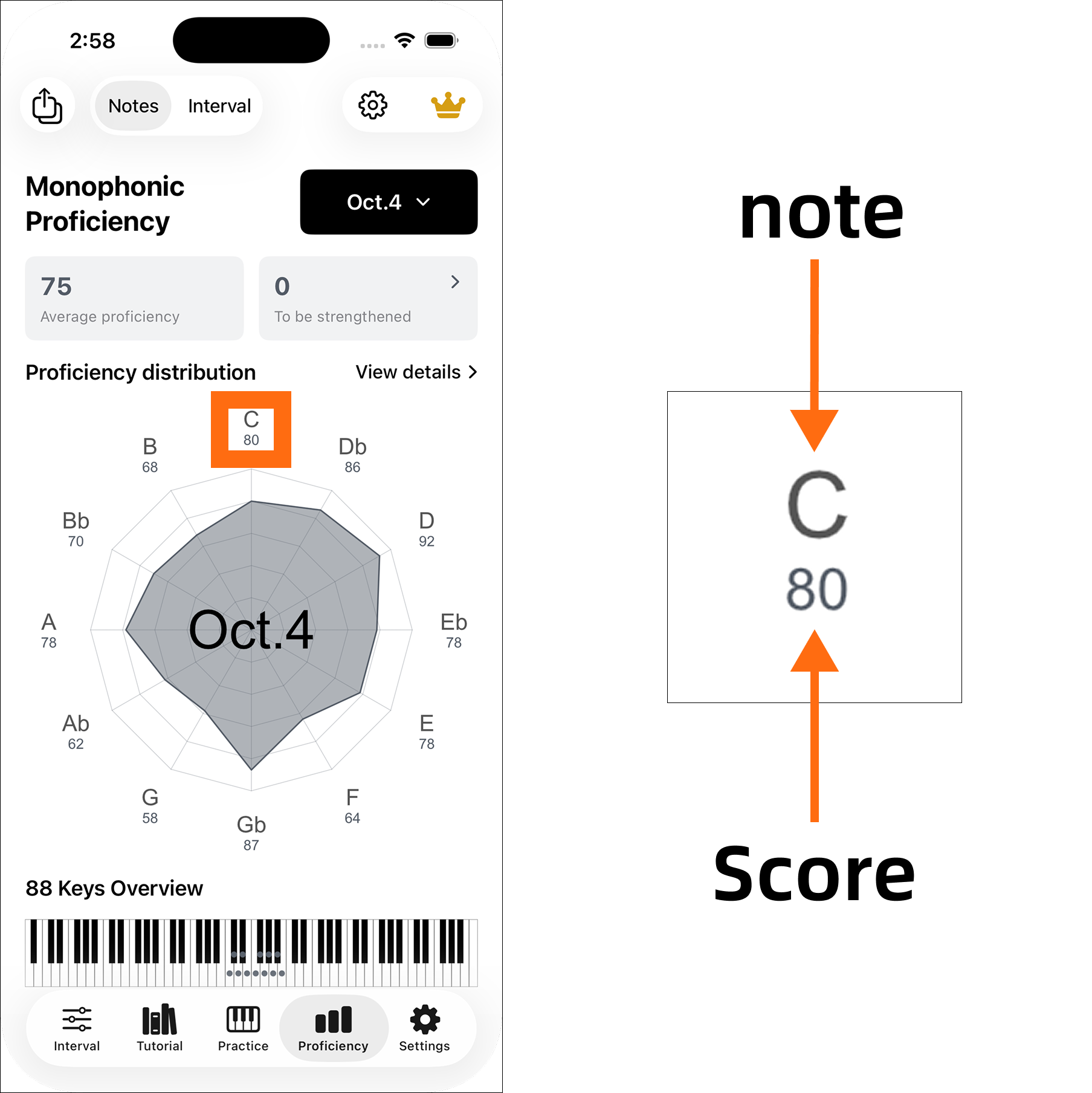
Each direction on the note proficiency radar represents one of the twelve semitones in the selected octave. A point farther from the center means a higher score. The 88-key overview marks those same notes on the keyboard.
Switch octaves
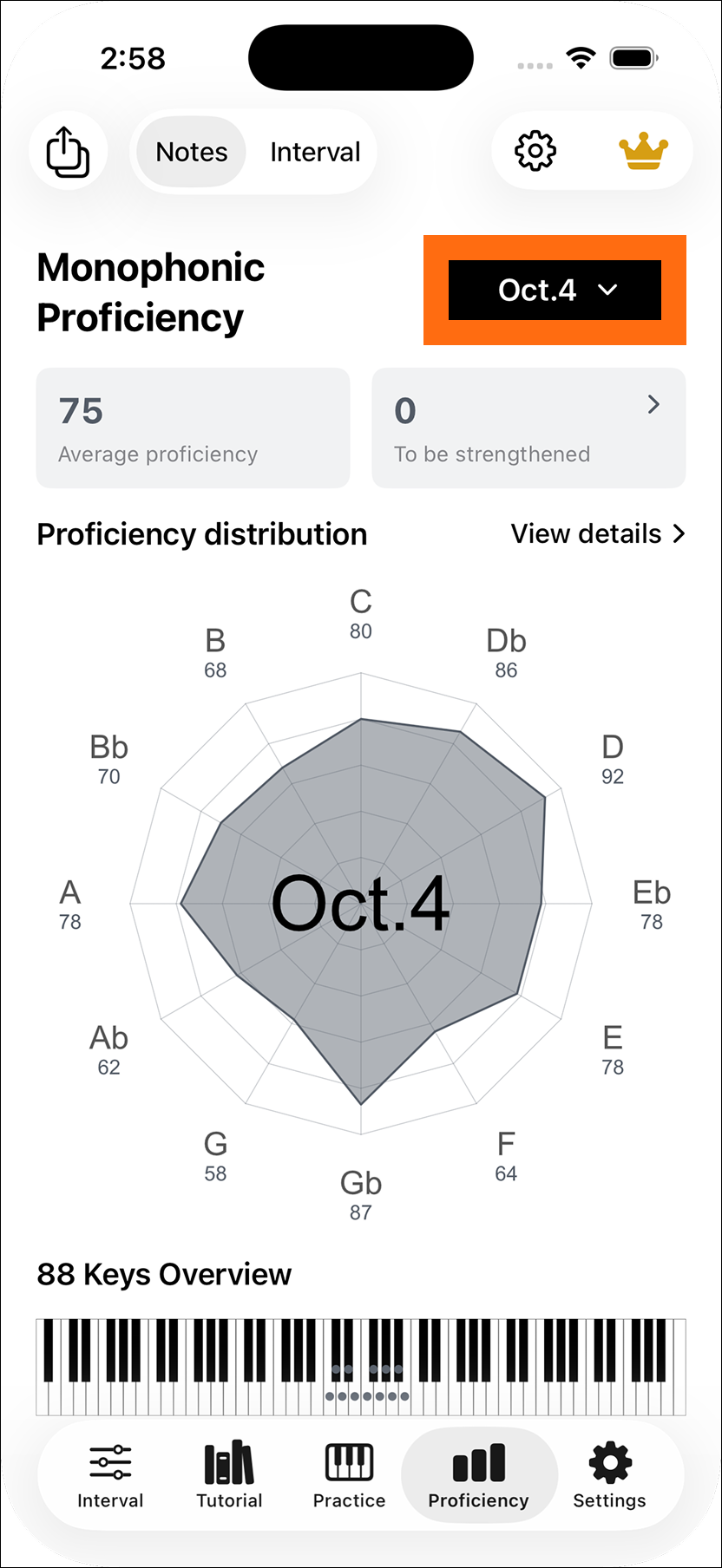
Use the Oct. selector beside Proficiency Distribution to view Oct.0 through Oct.8. The chart, average score, count of weaker notes and keyboard markers update together.
Open a note
Select a point on the radar or a marked keyboard key to open its detail. The two views lead to the same note and score.
Listen and read the score
The detail view lets you hear the selected note and inspect its proficiency score. Compare the sounds of neighboring notes, then return to practice the ones that are least familiar.
Find weaker notes
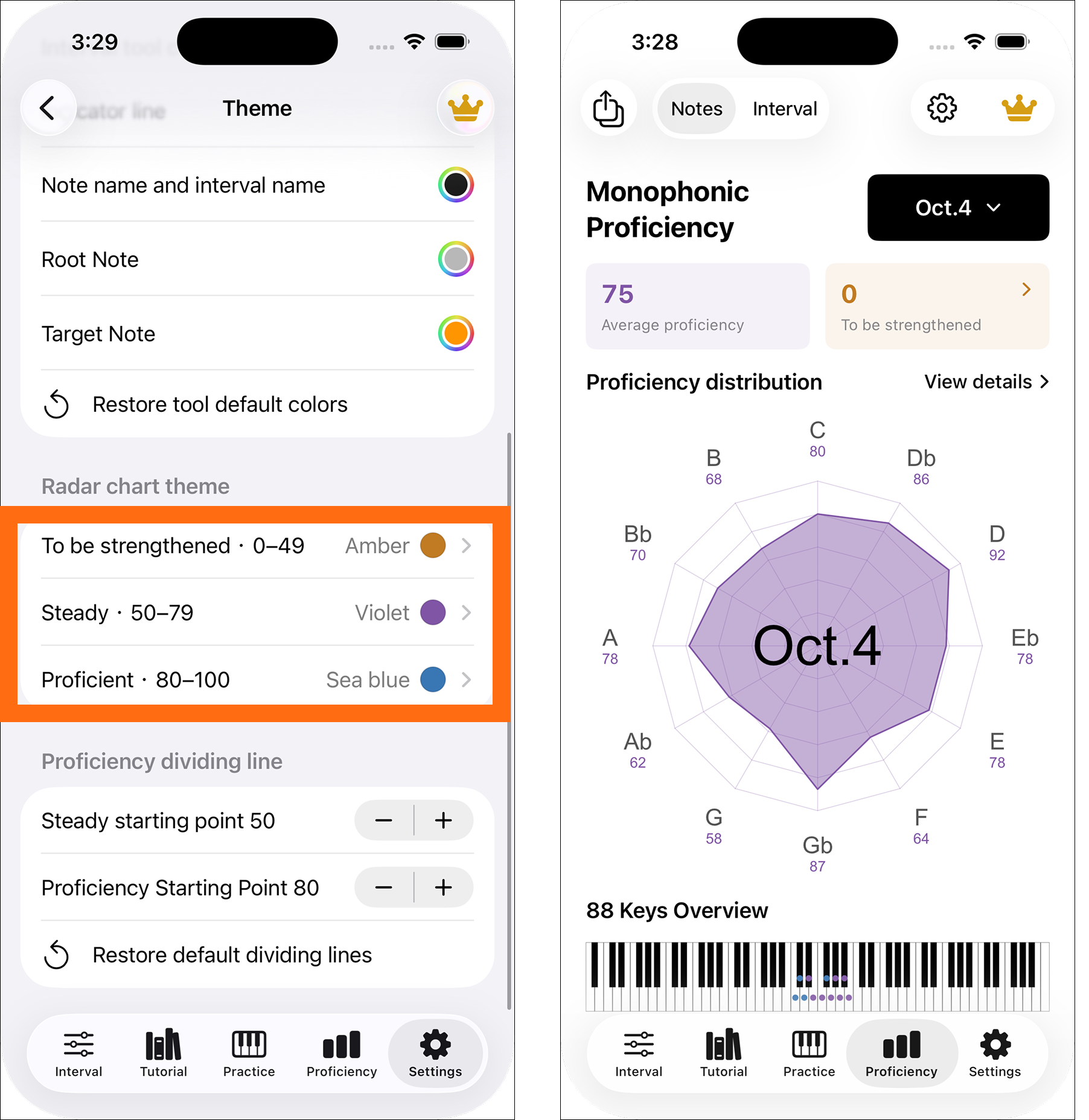
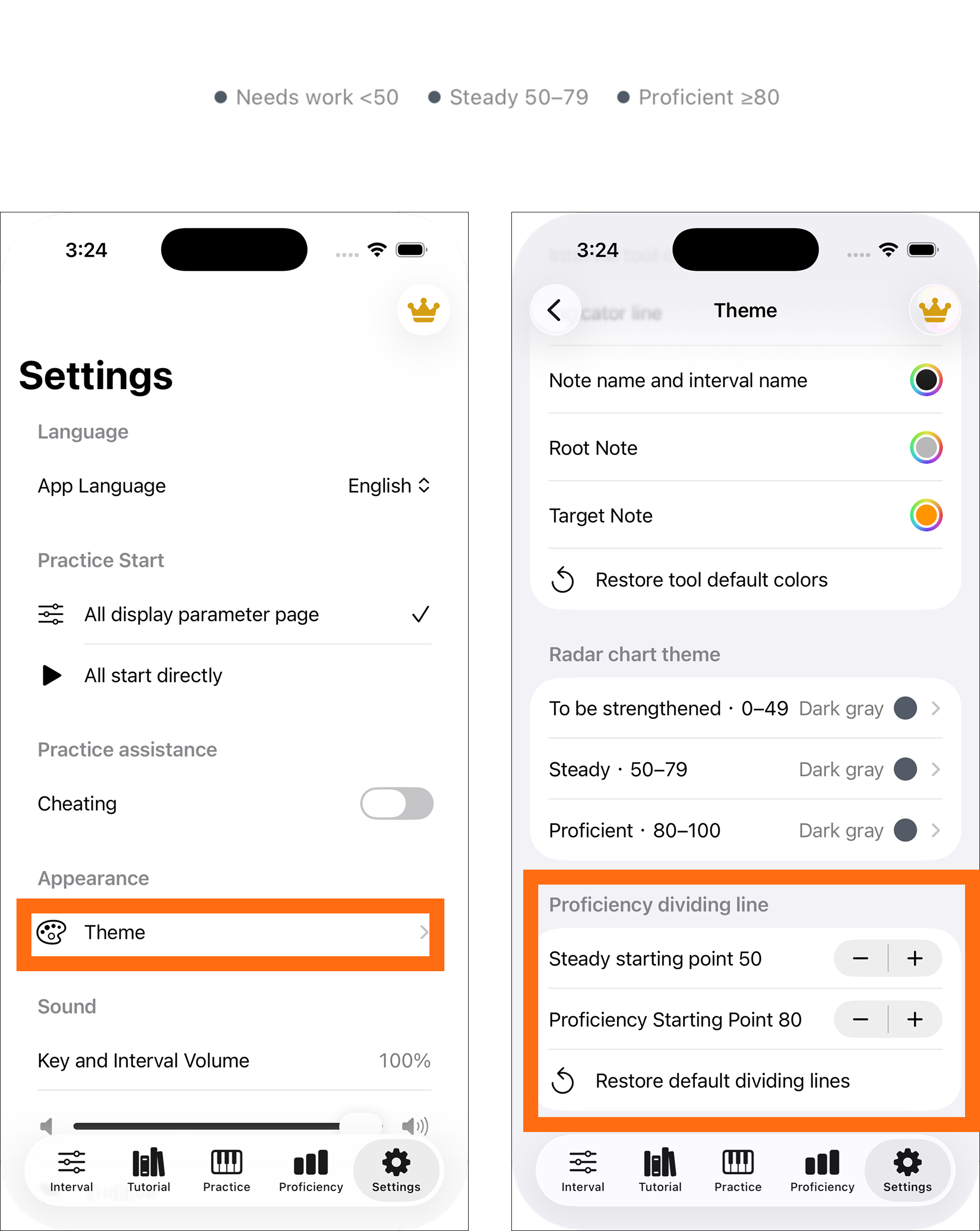
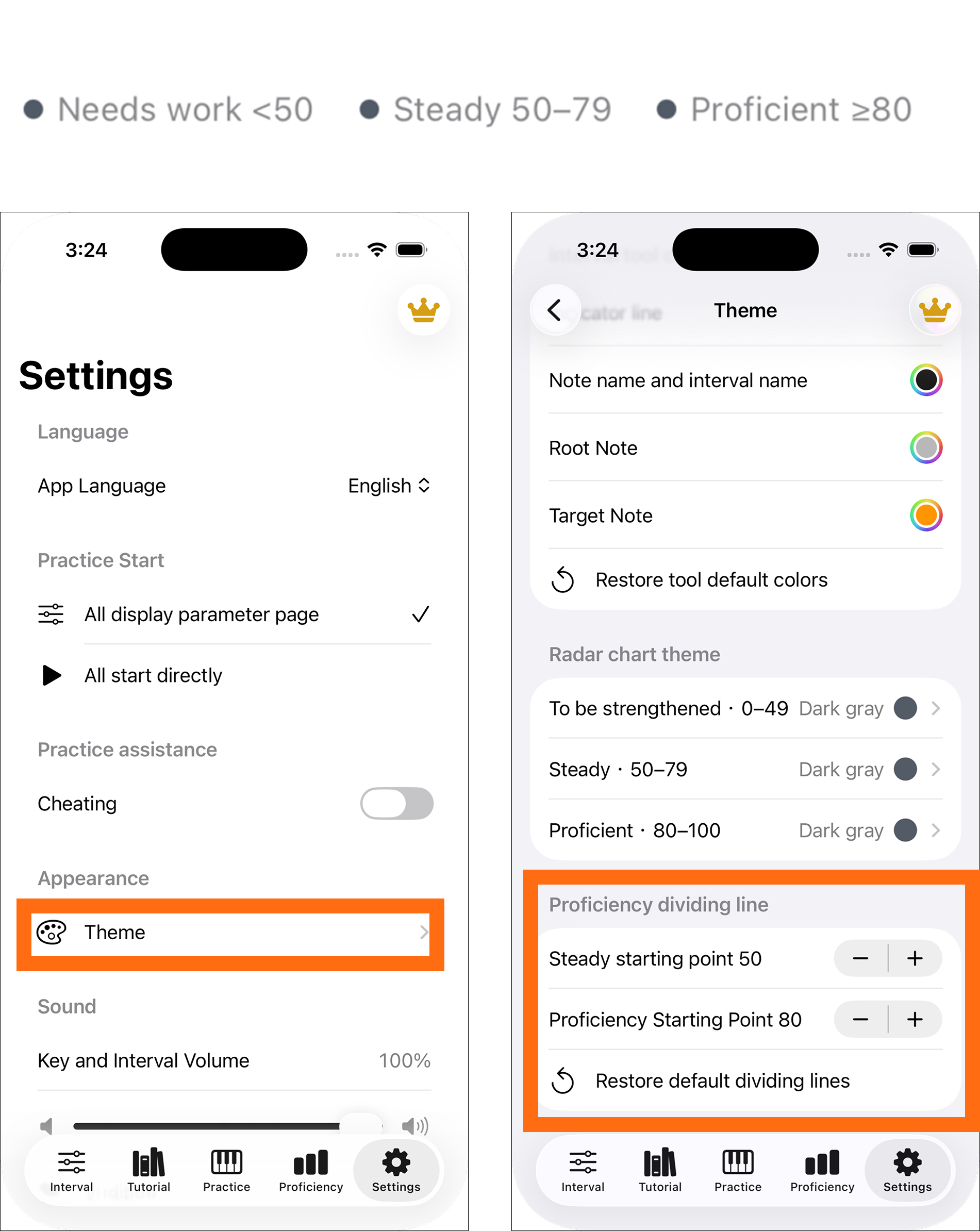
Scores are grouped into Needs Work, Progressing and Proficient using thresholds you can set in Settings > Theme > Proficiency Thresholds. Changing a threshold changes the grouping, not the saved score.
Choose chart colors
Settings > Theme > Radar Chart Theme lets you assign a color to each level. Colors change the chart and markers without changing the scores or thresholds.